How to Use the CP2 KNEC Portal: A Simple Guide for Teachers and Exam Staffs
What is CP2 KNEC?
The cp2 knec portal is the official online system used by the Kenya National Examinations Council (KNEC) to recruit and manage “contracted professionals.” These are teachers and education officials who work as supervisors, invigilators, examiners, and center managers during national exams like KCSE, KPSEA, and TVET assessments. You can access the portal at cp2.knec.ac.ke to create an account, update your profile, and apply for exam-related jobs.
Introduction
Every year, thousands of teachers across Kenya prepare for the national examination season. Whether it is the Kenya Certificate of Secondary Education (KCSE) or the newer Kenya Primary School Education Assessment (KPSEA), the logistics are massive. To keep everything organized, the Kenya National Examinations Council moved its recruitment process online.
Gone are the days of manual paperwork and long queues at sub-county offices just to be considered for invigilation. The cp2 knec portal was built to make the process faster and more transparent. It helps the council pick the right people for the right stations and ensures that everyone gets paid on time.
If you are a teacher looking to earn some extra income or grow your career as an examiner, you must understand how this system works. Sometimes the portal can be slow or confusing, especially during peak application periods. This guide will help you navigate the system easily so you don’t miss out on important deadlines.
What Is CP2 KNEC?
The name CP2 stands for Contracted Professionals version 2. It is a digital platform that automates the management of personnel involved in national exams. Before this system, keeping track of thousands of supervisors across the country was a nightmare.
Now, the council uses this portal to collect, verify, and report on the activities of everyone involved. It is a central database where your professional history with KNEC is stored. Once you have an account, the council can see your experience, your current station, and your payment history.
Key Details of the CP2 System
| Feature | Details |
| Official Website | cp2.knec.ac.ke |
| Primary Users | Teachers, SCDEs, and KNEC Officials |
| Main Roles | Invigilators, Supervisors, Centre Managers, Examiners |
| Login Requirement | Registered Mobile Number and Password |
| Mobile Access | Accessible via browser on smartphones |
Why Kenyans Need CP2 KNEC
This portal is a vital tool for the Kenyan education sector. According to reports from Nation Africa, digitalizing exam management has reduced cases of impersonation and payment delays.
-
Faster Payments: The system links your details directly to your bank or mobile money account. This reduces the time it takes for the government to process your dues after the exams are over.
-
Fair Recruitment: By using an online system, the council can ensure that only qualified teachers who are registered with the Teachers Service Commission (TSC) are picked.
-
Accuracy: It reduces errors in capturing names or stations. This is important for your professional record.
-
Career Growth: Being a “contracted professional” adds to your experience. The portal tracks how many times you have served, which can be useful when applying for promotions.
-
Transparency: You can see the status of your application in real-time. You no longer have to guess if you were selected or not.
Types or Categories Related to CP2 KNEC
There are different roles you can apply for through the portal. Each role has its own set of responsibilities and requirements.
1. Supervision and Invigilation
These are the most common roles. Supervisors manage the entire exam center, while invigilators stay in the rooms to ensure students follow the rules. These roles are usually for practicing teachers in primary and secondary schools.
2. Examiners (Marking)
Examiners are the teachers who mark the actual exam papers. This role usually requires you to travel to a marking center during the school holidays. The application for marking is often separate but still uses the credentials you have on the cp2 knec platform.
3. Centre Managers
The headteacher or principal of a school is usually the center manager. They are responsible for the security of the exam papers at the school level. They must also register on the portal to coordinate with the supervisors.
4. Technical and Vocational Staff
For TVET exams, KNEC recruits specialized professionals to oversee practical assessments. These individuals might come from technical colleges or the industry but must still use the portal for deployment.
How to Use or Access CP2 KNEC Correctly
To use the system without issues, you need a few things ready. A common mistake is trying to register when you are in a rush.
Checklist for Accessing the Portal:
-
[ ] A reliable smartphone or computer with a good internet connection.
-
[ ] Your TSC Number (for teachers) or ID Number.
-
[ ] A working mobile phone number registered in your name.
-
[ ] Your current station (school) code.
-
[ ] Digital passport-sized photo (sometimes required for profile updates).
If you are trying to find more opportunities or even a balance in your life while working these tough exam shifts, some teachers find checking the Best Online Dating Platform in kenya a good way to relax after a long day of invigilating.
Costs, Requirements, or Timelines in Kenya
There is no fee to register on the cp2 knec portal. It is a free government service. However, there are specific timelines you must follow. If you miss the application window, you cannot be deployed for that exam season.
Typical Recruitment Timeline
| Phase | Timeline (Approximate) | What Happens |
| Account Creation | Any time | Teachers set up their basic profiles. |
| Job Declaration | 2–3 months before exams | KNEC announces vacancies on the portal. |
| Application Window | 4 weeks duration | Teachers apply for specific roles and stations. |
| Vetting | 2 weeks duration | Sub-County Directors verify applications. |
| Deployment | 1 week before exams | Successful applicants receive an SMS and download letters. |
According to data from the Kenya National Bureau of Statistics (KNBS), the number of teachers seeking these positions increases every year, making the system’s efficiency very important.
Step-by-Step Guide: How to Get Started
If you are a first-time user, follow these steps to set up your account on the cp2 knec portal.
-
Visit the Site: Open your browser and go to cp2.knec.ac.ke.
-
Create Account: Click on the “Create Account” button. You will be asked to enter your mobile number. Enter it starting with 254… (e.g., 254712345678).
-
Confirm Number: Re-enter the number to confirm and click “Submit.”
-
Receive Password: You will get an SMS from KNEC with your username and a temporary password.
-
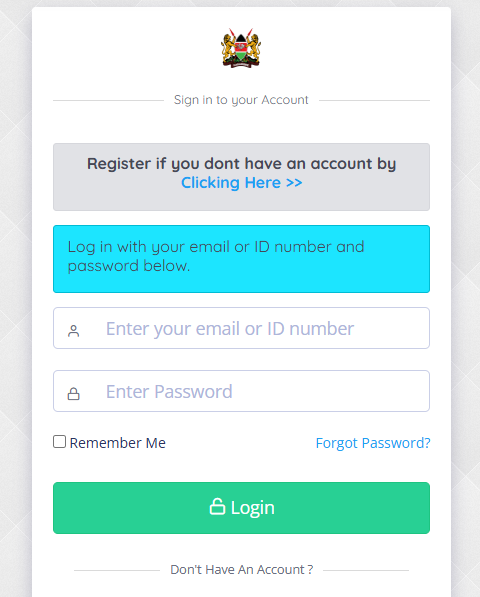
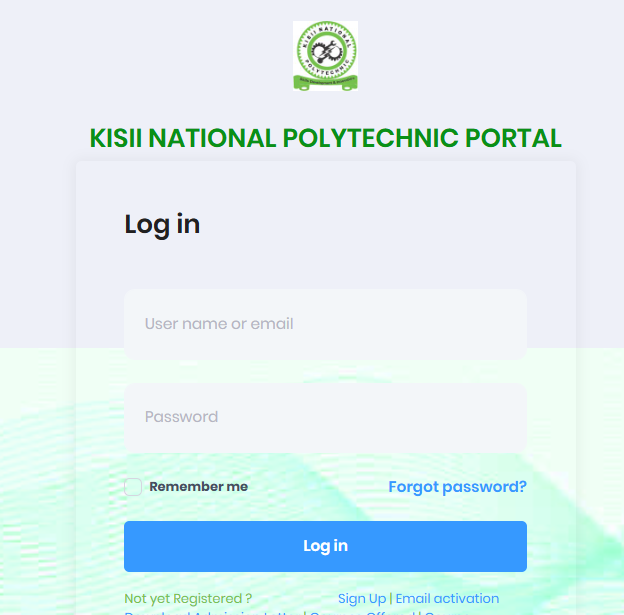
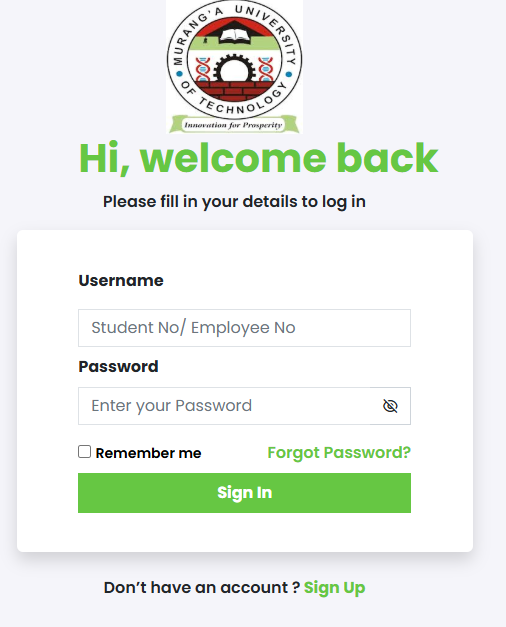
Log In: Go back to the login page. Enter your mobile number as the username and the password you just received.
-
Update Profile: Fill in your personal details. This includes your TSC number, ID number, and the school where you are currently teaching.
-
Apply for a Position: Once your profile is 100% complete, go to the “Jobs/Vacancies” section. Select the exam (e.g., KCSE), the role (Invigilator), and your location.
-
Submit and Track: Click “Apply.” You can check the status of your application by logging in later to see if it says “Pending,” “Approved,” or “Deployed.”
Common Mistakes to Avoid
Many teachers complain that they never get picked for exam duties. Often, it is because of small errors on the portal.
-
Incorrect Mobile Numbers: If you use a number that is not registered with your ID, you might not receive the login SMS.
-
Incomplete Profiles: If you don’t upload your TSC certificate details or station code, the system might filter you out during the vetting process.
-
Late Applications: The portal usually gets very slow on the last day because of high traffic. Business Daily Africa has reported on several occasions how government portals struggle with thousands of last-minute users.
-
Using Someone Else’s Account: Your account is tied to your ID and TSC number. Never let someone else apply for you using their login details.
-
Ignoring the User Manual: KNEC provides a PDF manual on the login page. It contains solutions to most technical errors.
Future Updates or Trends
The government is moving toward a fully paperless exam management system. There are talks about integrating the cp2 knec portal with the eCitizen Kenya platform for better data security.
We might also see more use of biometrics during the deployment phase. This would mean that instead of just showing a letter, you would use your fingerprint at the container (distribution point) to confirm you are the authorized supervisor. These changes are meant to protect the integrity of national exams.
Quick Poll:
Do you find the CP2 portal easy to use during peak hours?
A) Yes, it works perfectly.
B) It is okay but can be slow.
C) I always have trouble logging in.
D) I have never used it before.
(See answers to common technical questions below.)
FAQ Section
Q: I didn’t receive the SMS with my password. What should I do?
A: This is a common issue. First, check if your phone has blocked messages from “short codes.” If the problem persists, try to use the “Reset Password” option on the portal. If that fails, visit your Sub-County Director of Education for assistance.
Q: Can I change my station after being deployed?
A: No. Once the deployment letter is generated on the cp2 knec portal, it is final. Any changes must be handled manually by the Sub-County office in cases of emergency, but it is very rare.
Q: Is it possible to apply for more than one role?
A: You can only perform one role per exam session. For example, you cannot be both a supervisor and an invigilator for the same KCSE period. The system will usually block you from multiple applications.
Q: Does the CP2 portal work on all phones?
A: Yes, it works on any phone with an internet browser. However, for a better experience when filling in long forms, using a laptop or a tablet is recommended.
Q: How do I know if I have been paid?
A: You can check your payment status under the “Claims” or “Payment” tab on the portal. It will show whether the money has been sent to your bank or if there is a problem with your account details.
My Experience
I have spent years working with teachers who feel frustrated by technology. Last year, I helped a senior teacher who had never used the cp2 knec portal before. He was worried that his lack of “computer skills” would stop him from being a supervisor, a role he had done for twenty years.
We sat down and opened the portal on his phone. Within ten minutes, we had created his account and updated his profile. He was surprised at how simple it was once he had the right instructions. The key was having his TSC letter and ID ready.
When the deployment SMS arrived a few weeks later, he was the first to tell his colleagues that the “digital way” is actually better than the old way. It made me realize that most problems people have with the portal are just about not having a clear step-by-step guide.
Key Takeaways
-
The cp2 knec portal is essential for any teacher wanting to work during national exams.
-
Registration requires a valid mobile number and TSC details.
-
Always complete your profile 100% to increase your chances of being picked.
-
Avoid the last-minute rush to prevent dealing with slow server speeds.
-
Keep your login credentials safe and never share your password.
-
Check the portal regularly for deployment letters and payment updates.
Conclusion
Navigating the cp2 knec portal does not have to be a stressful experience. By following the steps in this guide, you can ensure that your application is submitted correctly and on time. Digital systems are here to stay, and mastering them is part of being a professional teacher in Kenya today.
As the exam season approaches, make sure your details are up to date. This simple act can save you from a lot of headache during the busy months of October and November.
Do you have any questions about your registration? Have you faced a specific error that wasn’t mentioned here? Leave a comment below, and let’s help each other stay informed!
Sources and References
-
Kenya National Bureau of Statistics (KNBS) – Data on the Kenyan teaching workforce.
-
Nation Africa – News on education and exam management.
-
Business Daily Africa – Reports on government digital transformation.
-
Teachers Service Commission (TSC) Kenya – For teacher registration details.
Poll/Quiz Note: If you answered “C” to the poll, remember that clearing your browser cache or using “Incognito Mode” can sometimes fix login delays on the cp2 knec portal. Always try to log in early in the morning when traffic is low!