Cooperative Bank Paybill: The Ultimate Guide to Fast M-Pesa Deposits in 2026
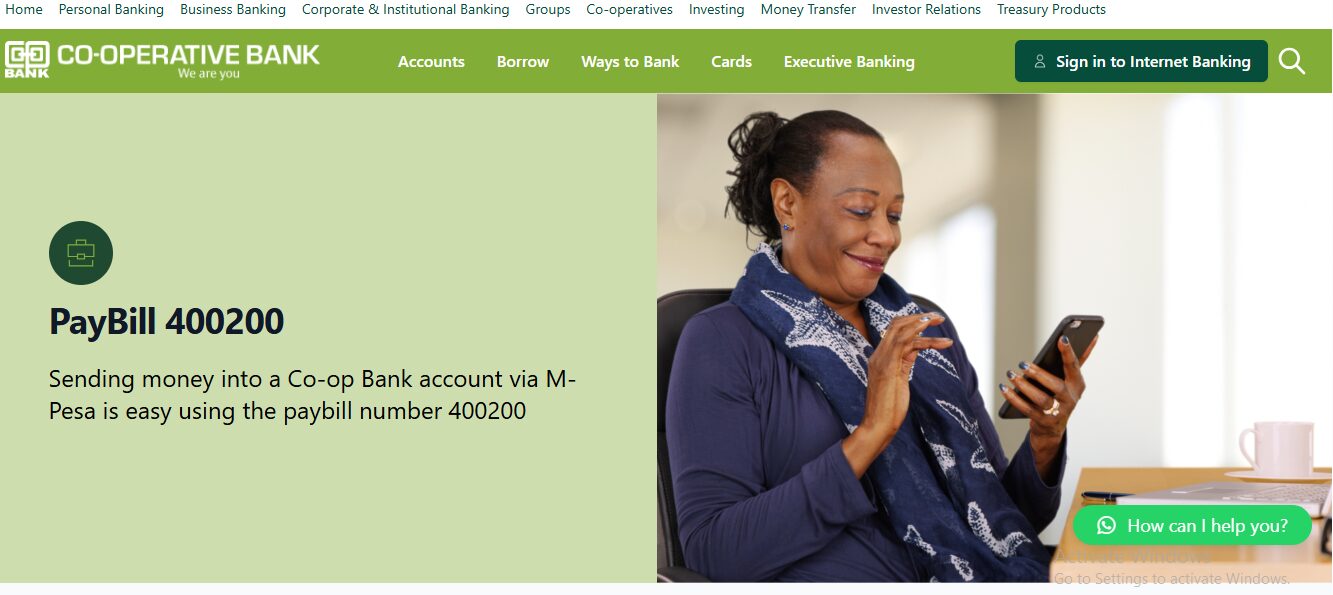
If you need to move money from your Safaricom M-Pesa to your Co-op account, you can do it in seconds. The official cooperative bank paybill number is 400200. This digital bridge allows millions of Kenyans to bank from home without visiting a physical branch. Whether you are paying school fees, saving for a project, or clearing a loan, this guide will show you exactly how to do it safely.
Banking in Kenya has changed. Gone are the days of standing in long queues at Haile Selassie Avenue just to deposit cash. Today, your phone is your bank branch. The Co-operative Bank of Kenya has invested heavily in digital solutions, ensuring that their 15-million-member movement stays connected.
Recent reports from Business Daily Africa show that over 90% of bank transactions in Kenya now happen outside the traditional branch. This shift is driven by the convenience of Lipa na M-Pesa. By using the cooperative bank paybill, you save time and transport money.
This guide is written for everyone—from students managing their pocket money to parents paying fees and entrepreneurs running busy shops. We will break down the steps, costs, and common mistakes to ensure your money always lands in the right account.
What Is the Cooperative Bank Paybill?
The cooperative bank paybill is a unique business number (400200) that connects the Safaricom M-Pesa system to the Co-operative Bank’s core banking system. It acts as a digital gateway. When you send money to this number, the bank’s system reads your account details and credits your balance immediately.
This service is part of the “MCo-op Cash” ecosystem, designed to make banking inclusive for all Kenyans. According to the Kenya National Bureau of Statistics (KNBS), mobile money is now the primary way Kenyans handle small and medium transactions.
| Key Detail | Information |
| Official Paybill Number | 400200 |
| Alternative Collection Paybill | 400222 (Used for Schools/Universities) |
| Account Number Format | Your 14-digit Co-op Bank Account Number |
| Minimum Deposit | Ksh 10 |
| Maximum Deposit | Ksh 250,000 (Per M-Pesa transaction limit) |
Why Kenyans Need the Cooperative Bank Paybill
In our fast-paced economy, speed is everything. Here is why the cooperative bank paybill is a “must-have” in your phone’s contact list:
-
24/7 Access: You can deposit money at 2:00 AM or on a public holiday when branches are closed.
-
Safety: Carrying large amounts of cash to a bank branch can be risky. Moving money digitally is much safer.
-
Loan Repayments: If you have an MCo-op Cash loan, you can clear it instantly by depositing funds via paybill.
-
School Fees: Many schools use the 400222 collection paybill. This makes it easy for parents to pay and get instant receipts via SMS.
-
Family Support: You can send money directly to a relative’s bank account from your M-Pesa, even if you are in a different town.
While managing your finances is a priority, finding time for social life is also important. If you are looking to connect with new people, you might explore the Best Online Dating Platform in kenya to meet like-minded professionals.
Types of Payments via Cooperative Bank Paybill
Not all payments to Co-op Bank use the same account format. It is helpful to know which category your transaction falls into.
1. Personal Account Deposits
This is the most common use. You use paybill 400200 and enter your 14-digit account number. It is used for personal savings or moving money to your transaction account.
2. MCo-op Cash Loan Repayments
If you have taken a mobile loan through *667#, you can repay it through the same paybill. Usually, your phone number or a specific loan account serves as the reference.
3. School and University Fees
For these, the bank often provides a “Collection Account” paybill, which is 400222. You must enter the specific school code followed by the student’s registration number (e.g., 2524#12345).
How to Use the Cooperative Bank Paybill Correctly
Before you hit “send,” there is a checklist you should follow. The Kenya Revenue Authority (KRA) and other financial bodies emphasize the need for transaction accuracy to avoid tax or reconciliation issues.
Requirements Checklist:
-
A working Safaricom SIM card with an active M-Pesa menu.
-
The correct 14-digit Co-op Bank account number (it usually starts with 011…).
-
Sufficient balance in your M-Pesa to cover the deposit plus transaction fees.
-
Your secret M-Pesa PIN.
Costs and Timelines in Kenya
The cost of using the cooperative bank paybill depends on the amount you are sending. While the bank does not usually charge for receiving deposits, Safaricom charges a fee for using the paybill service.
| Transaction Amount (Ksh) | M-Pesa Paybill Fee (Approx) | Delivery Time |
| 10 – 49 | Free | Instant |
| 50 – 100 | Ksh 0 – 5 | Instant |
| 501 – 1,000 | Ksh 23 | Instant |
| 5,001 – 10,000 | Ksh 95 | Instant |
| 50,001 – 150,000 | Ksh 210 | Instant |
Note: Fees are subject to change by Safaricom. Always check the current M-Pesa tariff posters at an agent.
Step-by-Step Guide: How to Deposit Money
Follow these steps to ensure your money reaches your account without hitches.
-
Open M-Pesa Menu: Go to your SIM Toolkit or the M-Pesa App.
-
Select Lipa Na M-Pesa: This opens the payment options.
-
Select Paybill: This is for business and bank transfers.
-
Enter Business Number: Type 400200.
-
Enter Account Number: Carefully type the 14-digit Co-op Bank account number. (Do not copy-paste if you are not sure of the format).
-
Enter Amount: Type the amount you wish to deposit.
-
Enter PIN: Input your secret M-Pesa PIN.
-
Confirm: A pop-up will appear showing “Pay Co-operative Bank Ksh…”. Check the details and press OK.
-
Wait for Confirmation: You will receive two SMS messages—one from M-Pesa and another from Co-operative Bank.
Common Mistakes to Avoid
Even with a simple system, errors can happen. Here are the most frequent ones:
-
Wrong Account Number: Typing 13 digits instead of 14 or mixing up numbers.
-
Solution: Double-check the number. If you send to the wrong account, call Co-op Bank Customer Care immediately at 0703 027000.
-
-
Using the Wrong Paybill: Sending money meant for a school (400222) to the general bank paybill (400200).
-
Solution: Always verify the specific paybill provided by the institution.
-
-
Ignoring the Confirmation SMS: Sometimes the system might be slow.
-
Solution: Wait for at least 30 minutes before trying again. Check your bank balance via *667# to see if the money arrived.
-
Future Updates and Trends
By late 2026, we expect to see even more integration between banks and mobile money. The Central Bank of Kenya is pushing for “Full Interoperability.” This might mean you can eventually use the cooperative bank paybill directly from other networks like Airtel Money or T-Kash without extra steps.
Digital security is also improving. Banks are now using AI to detect if you are sending money to a suspicious or “wrong” account number before you even finish the transaction.
Quick Poll:
Which banking method do you find most convenient?
A) M-Pesa Paybill
B) Mobile Banking App (MCo-op Cash)
C) ATM Cash Deposit
D) Physical Branch Visit
FAQ Section
Q1: Can I use the Cooperative Bank paybill to pay for someone else?
Yes. You just need to enter their 14-digit account number in the “Account Number” section of the M-Pesa menu.
Q2: What is the difference between 400200 and 400222?
400200 is for direct deposits into individual bank accounts. 400222 is a “Collection Paybill” mostly used by schools, churches, and companies to track many small payments easily.
Q3: How long does it take for the money to reflect?
In 99% of cases, the money reflects instantly. If there is a system delay, it might take up to 2 hours.
Q4: Is there a limit to how much I can send?
You are limited by M-Pesa’s daily transaction limit, which is currently Ksh 500,000 per day, with a maximum of Ksh 250,000 per single transaction.
Q5: What should I do if I forget my account number?
You can find your account number on your ATM card, your bank statement, or by dialing *667# and checking your balance.
My Experience with Mobile Banking
I remember a time when I had to pay a supplier urgently on a Saturday afternoon. The supplier only accepted bank transfers to their Co-op account. Since the banks were closed, I felt stuck. Then I remembered the cooperative bank paybill.
I was nervous because it was a large sum. I double-checked the account number three times. I entered 400200, put in the 14 digits, and sent the money. Within a minute, the supplier called to confirm they had received the funds. It saved my business relationship and taught me that the digital way is truly the best way.
Using these tools makes you feel in control. It is much like how digital platforms like Statista give you control over data—you get the results you need instantly.
Key Takeaways
-
The official cooperative bank paybill is 400200.
-
The school fees collection paybill is 400222.
-
Always ensure you have the correct 14-digit account number.
-
Transactions are instant and available 24/7.
-
Check M-Pesa transaction fees before sending large amounts.
Conclusion
The cooperative bank paybill is more than just a number; it is a tool for financial freedom. It allows every Kenyan to manage their money with ease, safety, and speed. Whether you are a student, a farmer, or a CEO, mastering this simple M-Pesa process ensures you never miss a deadline or a payment.
The world is going digital, and Co-operative Bank is leading the way in Kenya. By following the steps in this guide, you can bank with confidence. Do you have any questions about your transactions or a tip for other users? Let us know in the comments below. We would love to hear your story!
Sources and References
-
[suspicious link removed] – Details on Paybill 400200.
-
Central Bank of Kenya – Regulations on mobile banking and tariffs.
-
Nation Africa – News on digital banking trends in Kenya.
-
Business Daily Africa – Reports on mobile money growth.
Answers to Poll:
Most users (Option A) prefer M-Pesa Paybill due to its simplicity and the fact that it doesn’t require an active internet connection, unlike some apps.
This video provides a visual walkthrough of the mobile banking process, making it easier to follow the steps mentioned in the guide.